Pack Customizer: Visual Editing Platform for Marketers and Developers
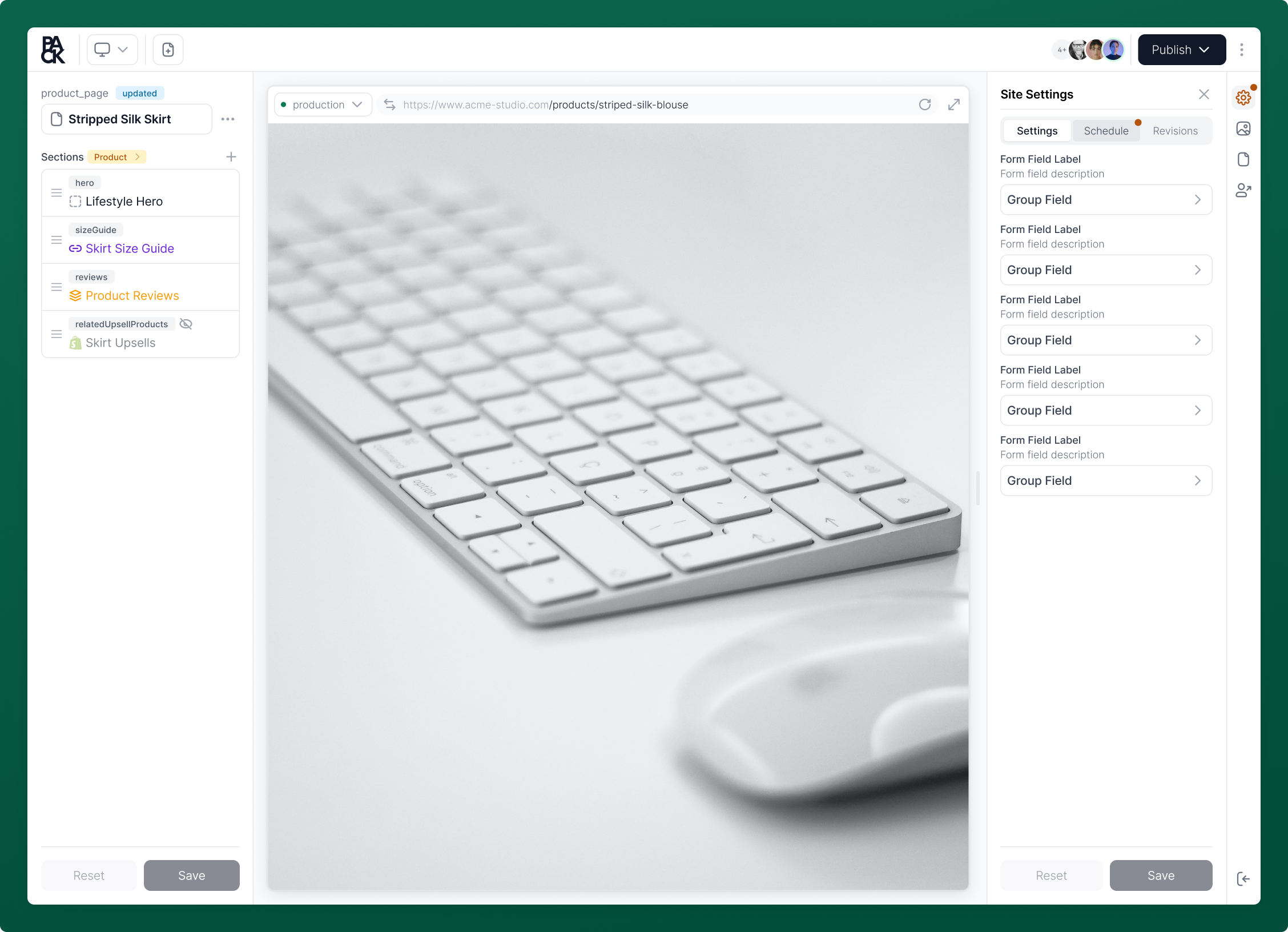
The Customizer is Pack's visual editor for your storefront that makes teamwork a breeze for both devs and content creators.
The Customizer becomes available once the storefront is deployed for the first time. You can locate it in the Pack Admin's left sidebar.
Managing Content
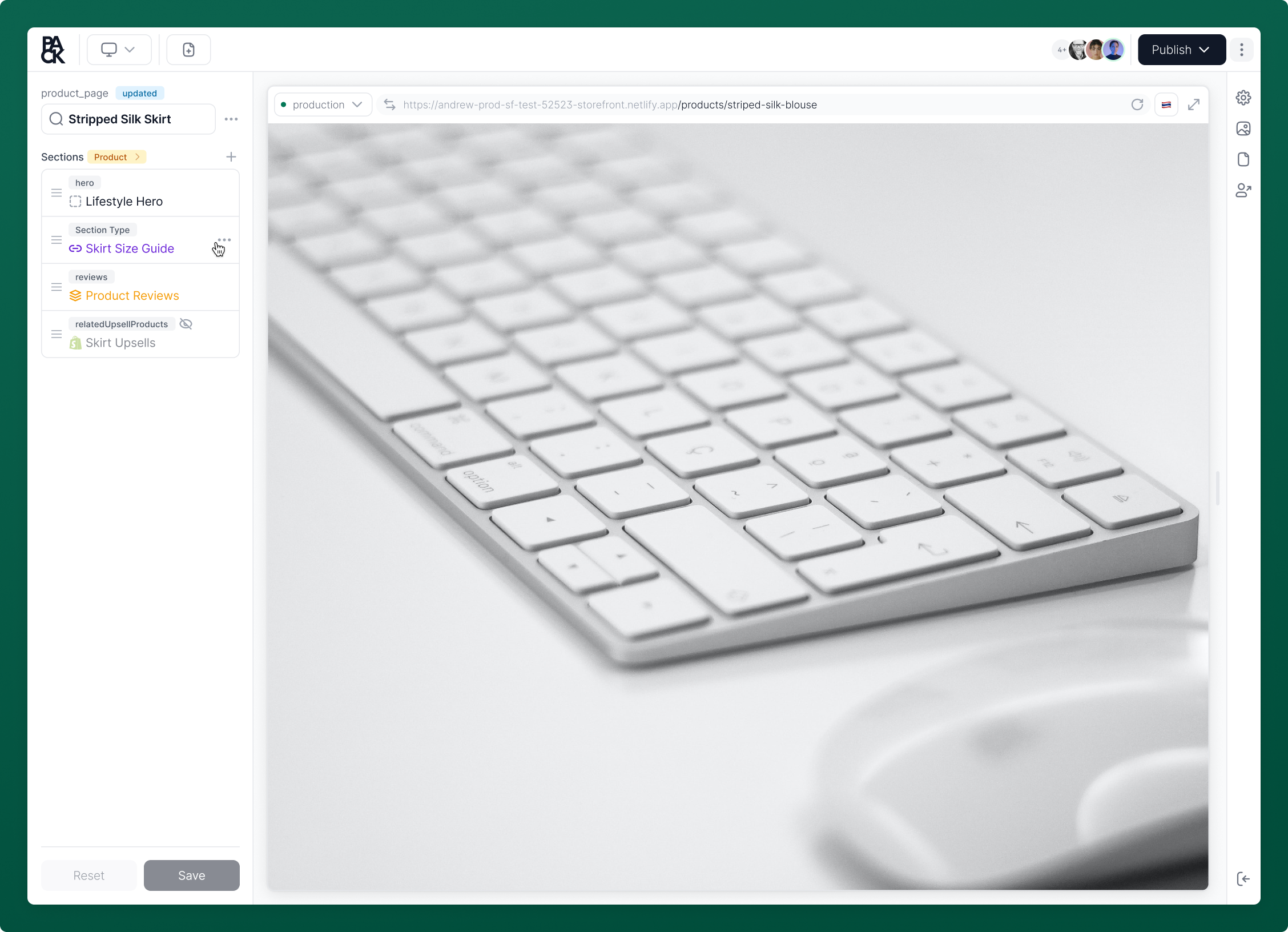
In Customizer, you can manage content on your pages in the form of sections. You can create flexible and reusable content across pages by linking sections and leveraging section templates.
Learn how to manage your content here.
Storefront Preview URLs
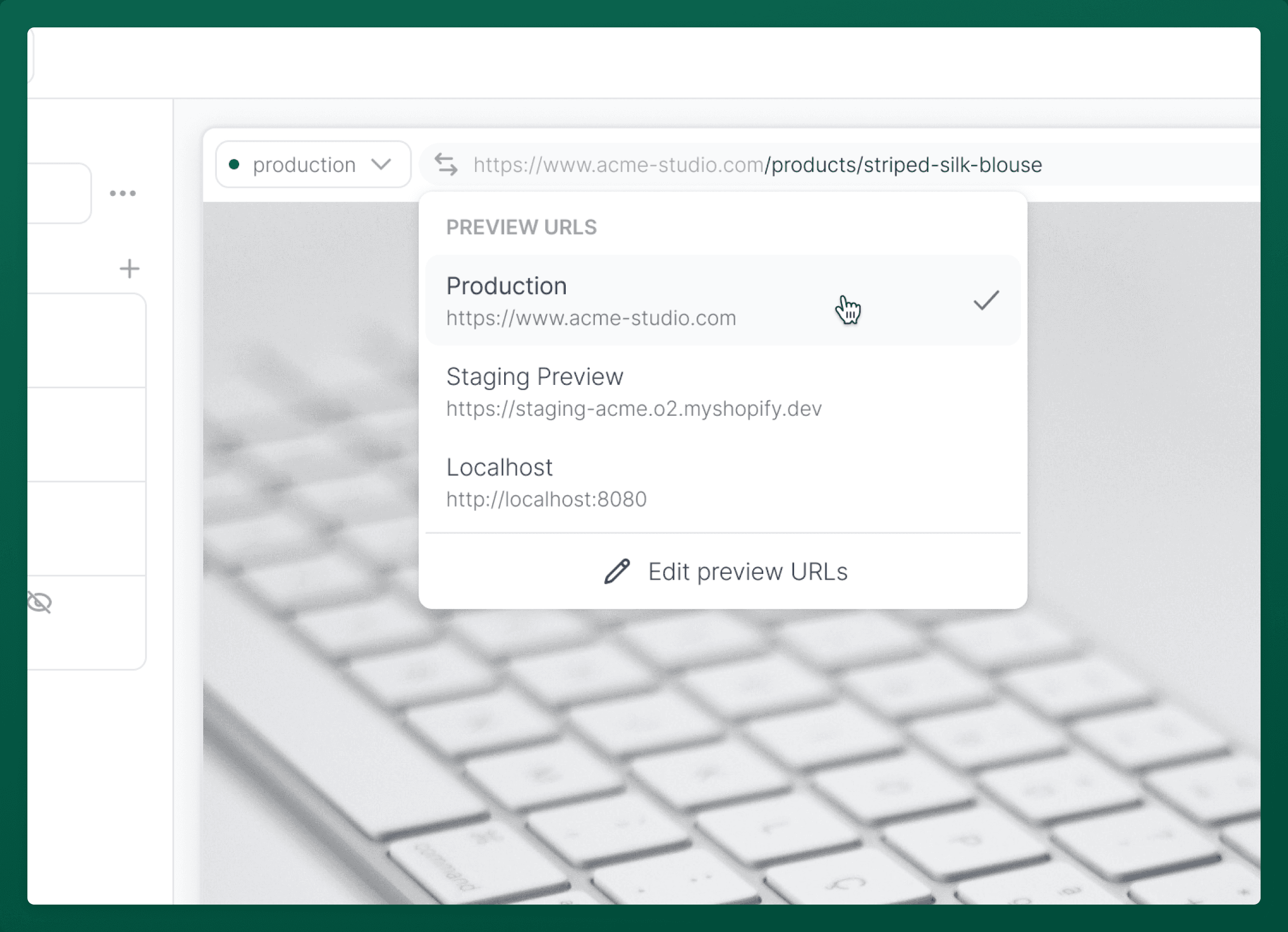
Switch between preview URLs to view and make changes specific to any previews, whether you’re looking at new sections or tweaks to a layout. Add or remove custom URLs to fit your team's workflow.
Learn more about preview URLs by checking out this guide.
Storefront Settings
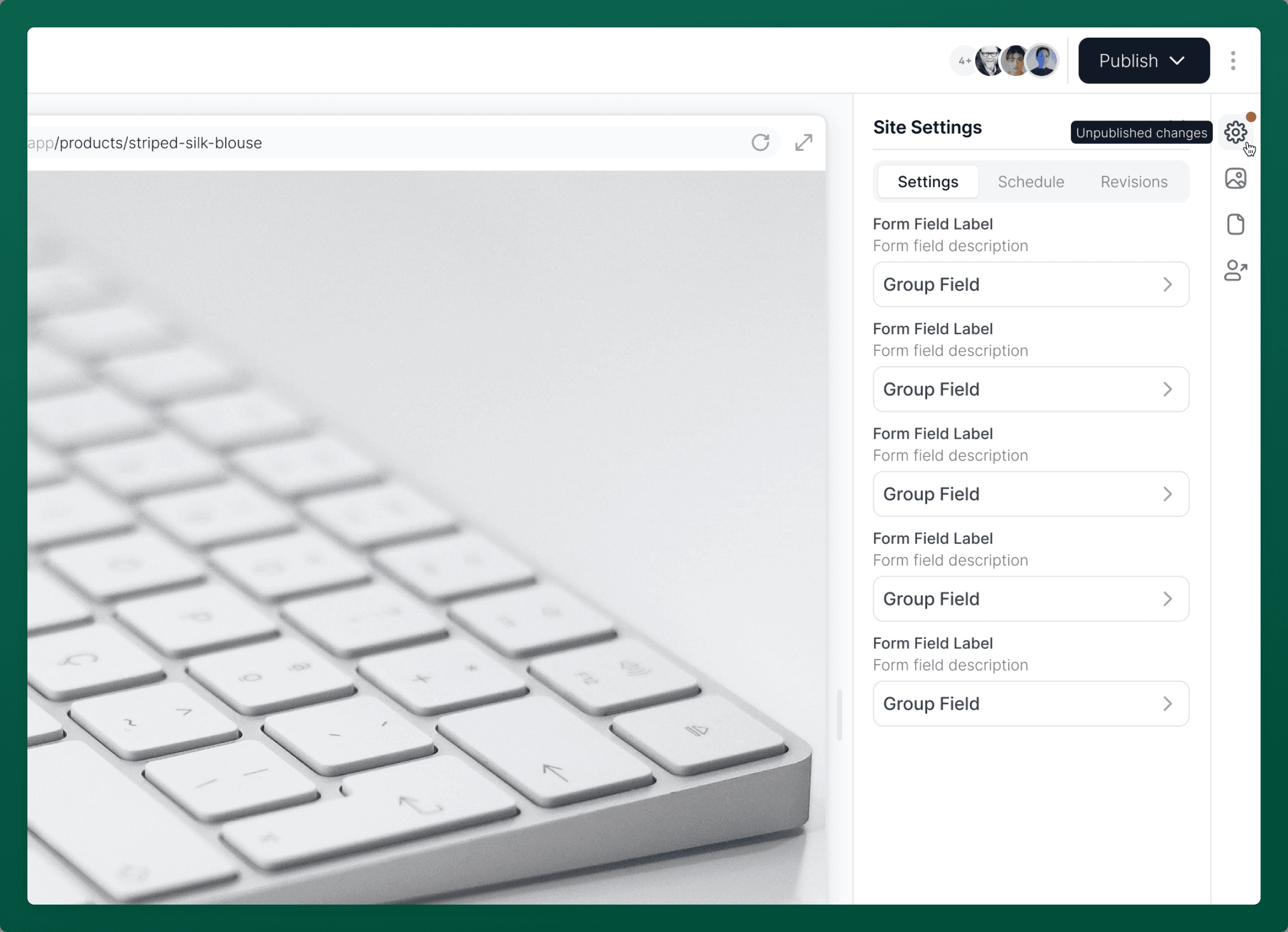
Storefront Settings is the hub for adjusting your store’s main features like headers, footers, and cart settings. It’s fully customizable, letting you add or remove settings as needed.
You can quickly access Storefront Settings from the right utility bar in the Customizer.
To learn more about how to use the settings, check out our guide for Managing Storefront Settings.
Content Environments
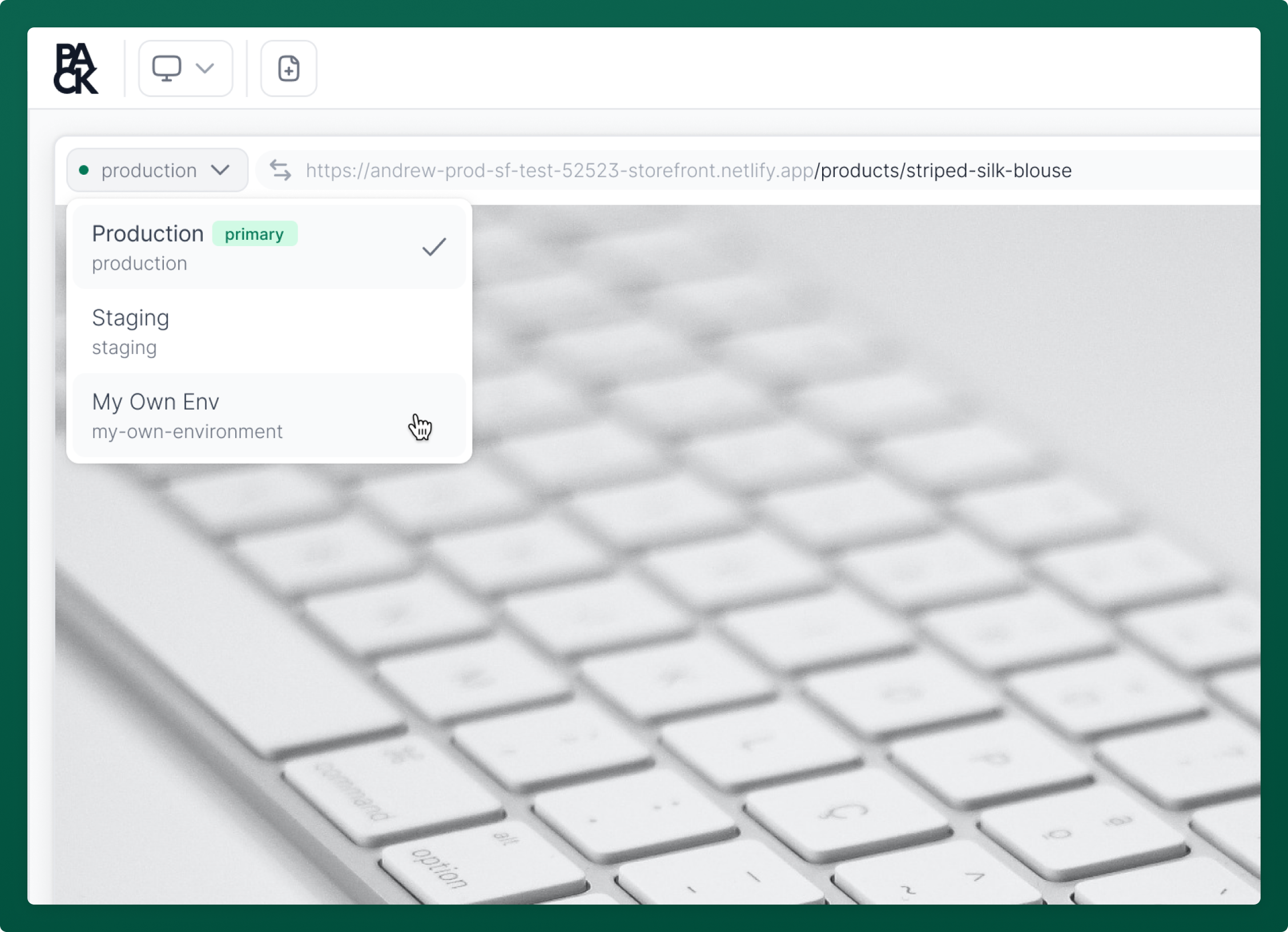
The Customizer allows you to switch between content environments to make it easier for your team to manage and maintain isolated instances of your storefront. This will allow you to visually test and edit content with a simple switch of a toggle.
Content Scheduling
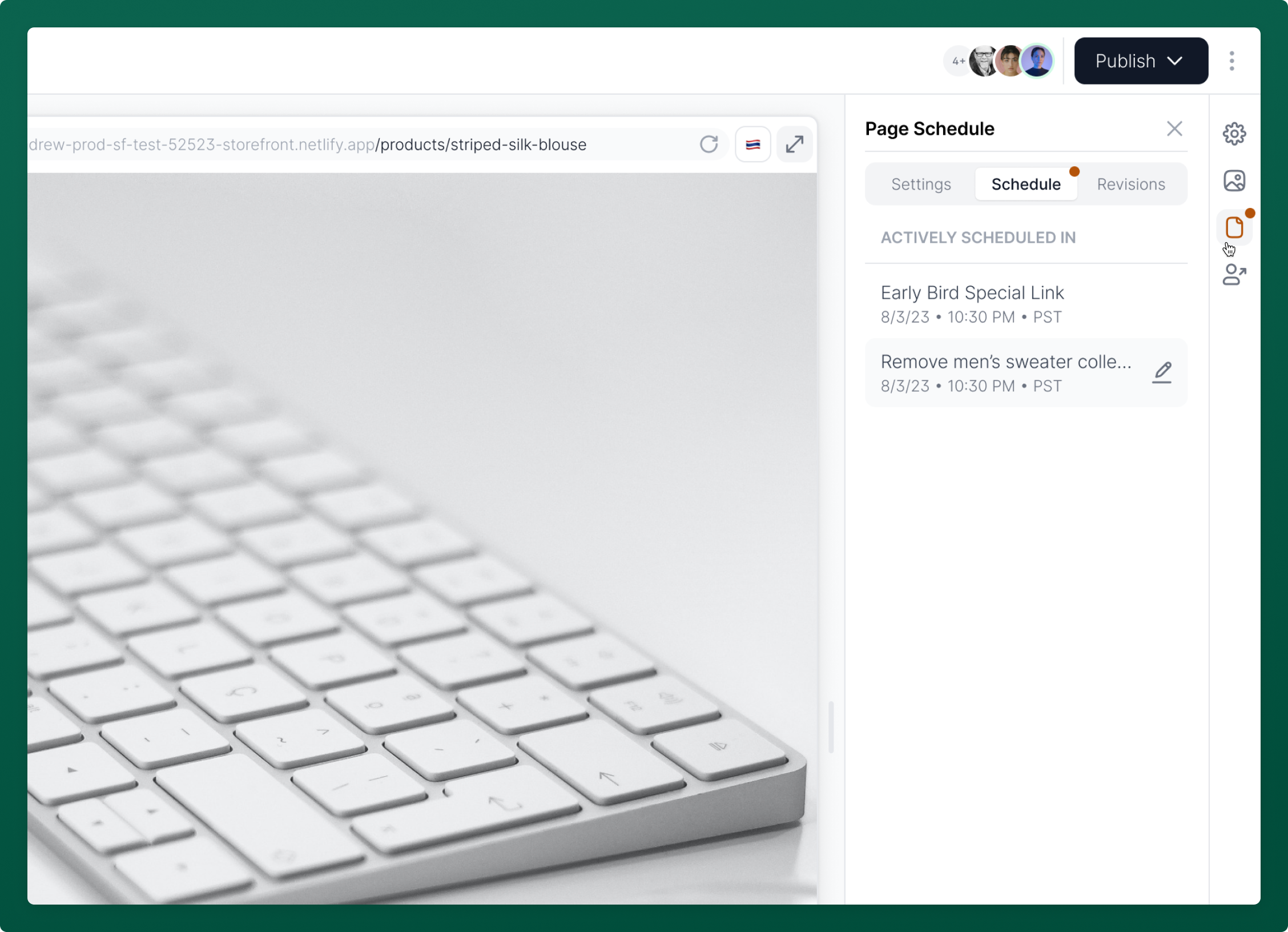
You can schedule pages and site settings in the Customizer to be published at a later date. This feature ensures your store updates exactly when you need it to, without having to manually publish pages.
Learn more about scheduling content here.
Content Releases
Content Releases let you stage a coordinated set of CMS changes and publish them together. Use the perspective picker in the Customizer toolbar to switch between Live, Releases, and A/B Tests. When you select a release, reads and saves are scoped to that release, and saved edits become release-scoped drafts instead of immediately changing live content.
Learn more about Content Releases here.
Media Manager
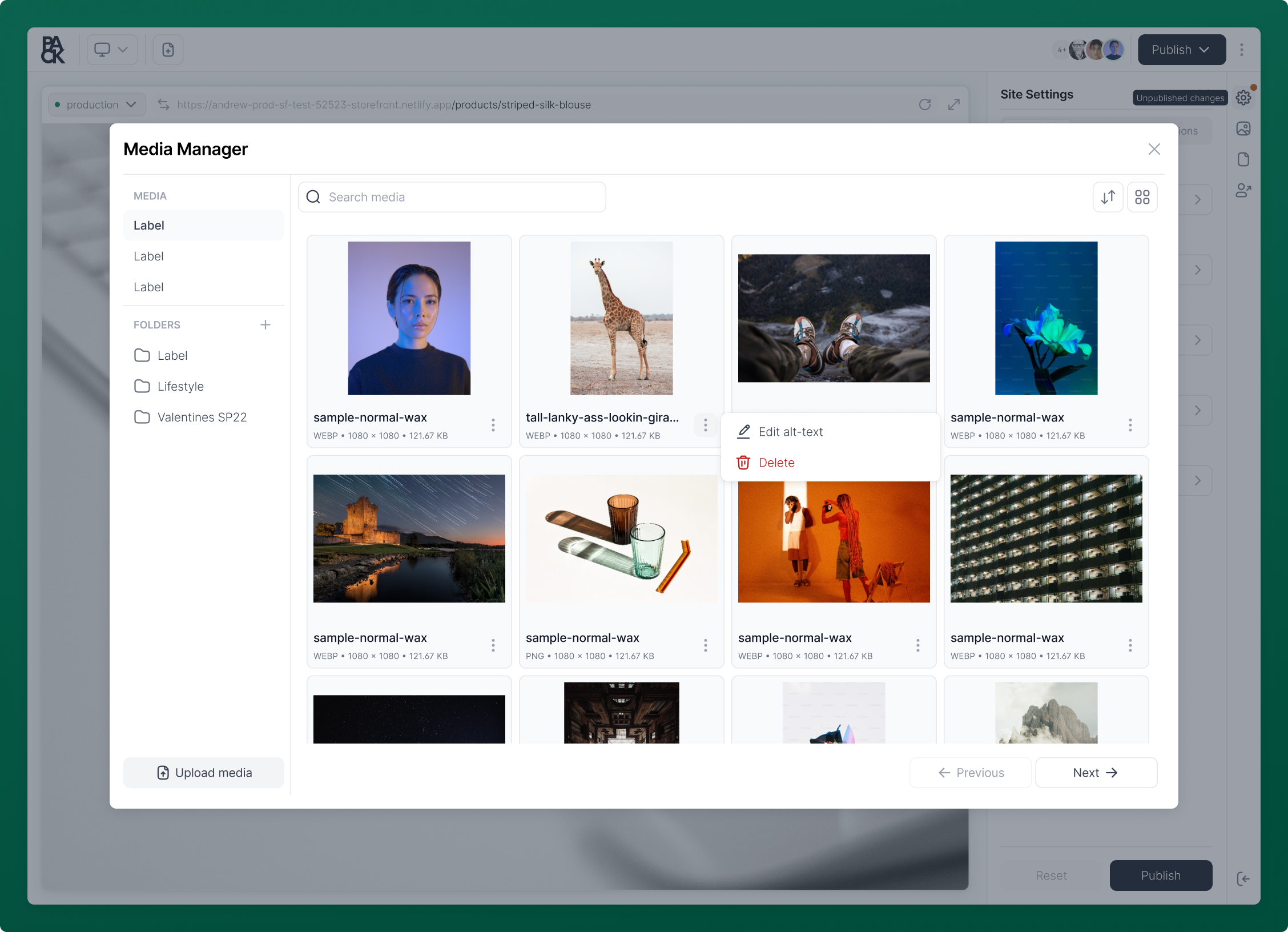
The Media Manager in Pack streamlines the process of managing your store's media. Easily upload, edit, and delete images directly from the Customizer.
Edits—including changes to alt text—synchronize instantly with Shopify, ensuring consistent media management across platforms.
You can access Media Manager from the right utility bar in the Customizer.
Explore the capabilities of the Media Manager in more detail here.
Shareable Preview Link
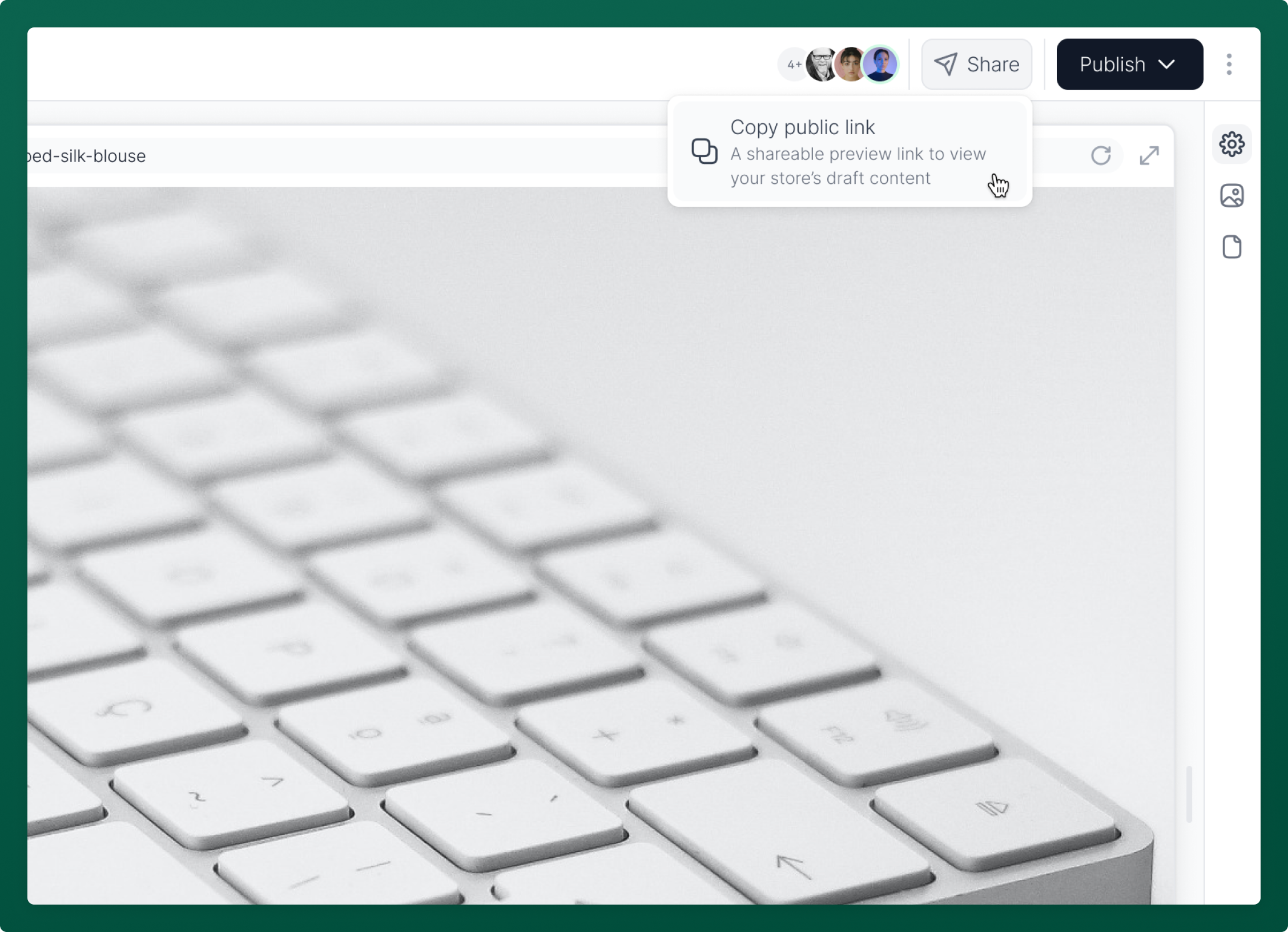
The Customizer enables you to share content drafts through a shareable preview link. This allows you to share unpublished work for your team's feedback or approval.
You can share a preview link with anyone by clicking Share in the Customizer's toolbar. With Manage Preview Links turned on, preview links can also target a Content Release, so reviewers see everything in the release before it goes live. When someone opens the link, a preview toolbar on the storefront shows what they're previewing.
Learn more about sharing previews here.
Responsive Preview
Use the Responsive view menu above the storefront preview to switch between desktop, tablet, and mobile sizes. Tablet and mobile include device presets, such as iPad Air or iPhone 14 Pro Max, that set both the width and height. You can also drag the preview edge to a custom width, or select Enter full screen to hide the editing interface.
Learn more about previewing here.